How can I check that my data is updated well?
Investigate a discrepancy by comparing the same item in three places: the module XML, the product page opened from its link and the data displayed in the Meta catalog.
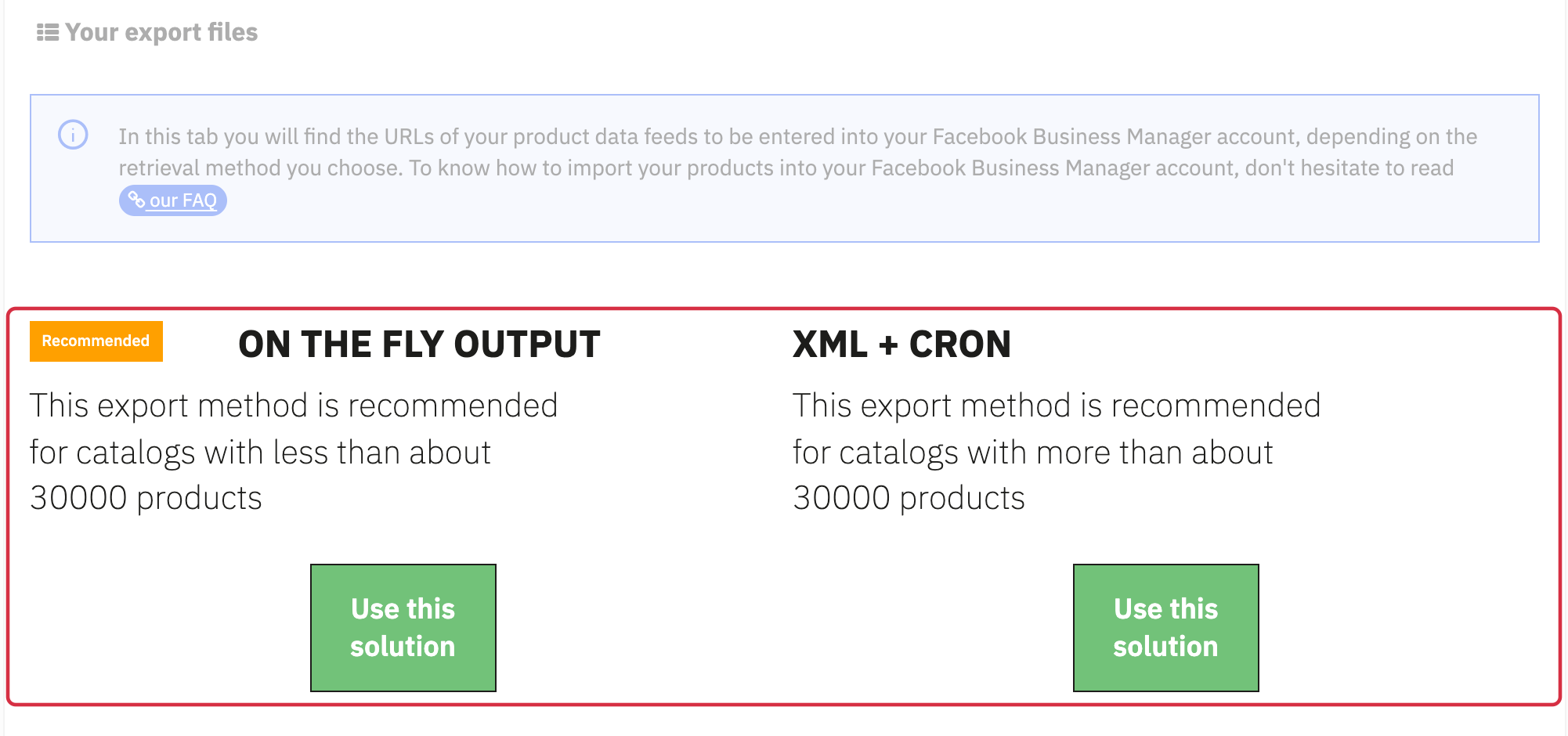
- In My feeds, select the required language, country and currency. Regenerate the XML file or open on-the-fly output.
- Find
g:idin the XML. Also note the title, link, price and currency, discounted price where present and availability. - Open the exact exported link. Check the combination, currency/tax context, price and ability to order.
- In the Meta catalog, find the same ID and check its source and latest retrieval. If the XML is correct but the catalog is stale, inspect the import summary and schedule before changing product data.
Fictitious local example: DEMO6 has 20.00 EUR in g:price and 16.00 EUR in g:sale_price. Compare the visible selling price with that discounted price in the same context.
For tracking, compare event content_ids separately with the same g:id. A JavaScript variable or local request does not demonstrate reception by Meta. See testing, price discrepancies and updates.