Where to find my Google Analytics property ID?
To enter your Google Analytics property ID, follow these steps:
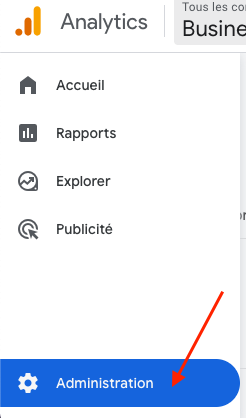
In your Google Analytics account, log in to the Google Analytics property that corresponds to your store. Then, in the left menu, click on "Admin" (at the very bottom):
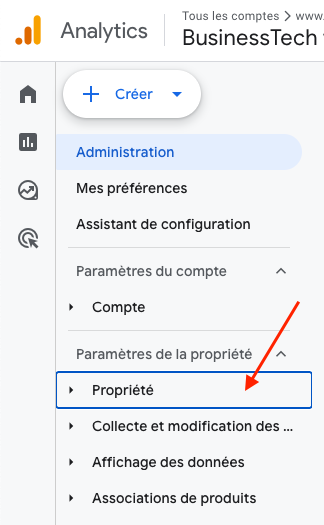
In "Property settings", click on the "Property" section:
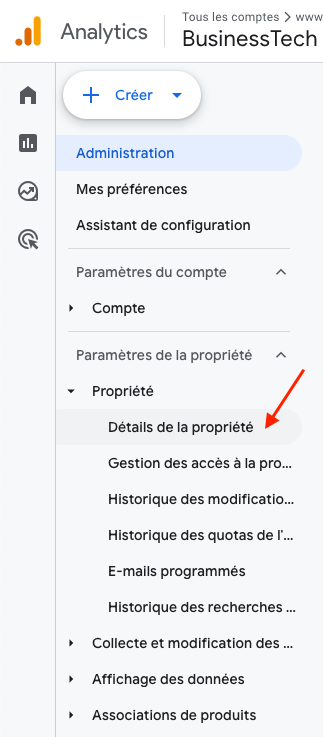
Then click on "Property details":
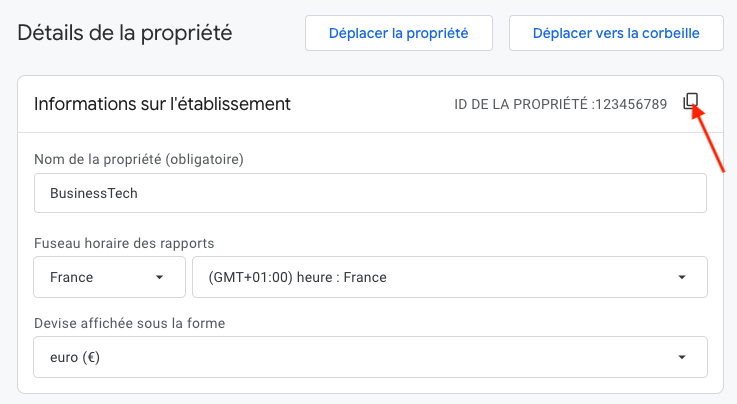
Your property ID appears next to the "Property Information" title.
Click the icon provided to copy the ID:
Then paste it into the Google Settings tab of the MCP Tools Plus module:
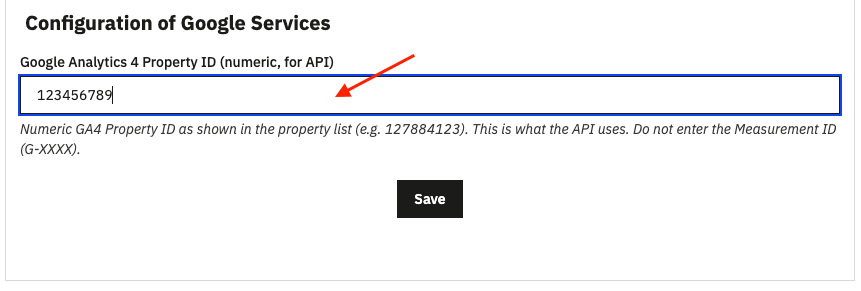
Save.