How to indicate the availability of my products on TikTok?
The availability attribute is required in a TikTok catalog. Reported availability must match the product landing page.
The module provides an availability setting in Feed management > Feed data options. Check the value actually written in the generated XML: do not infer the result from an option label alone, and do not mark a product as available when it cannot be ordered.
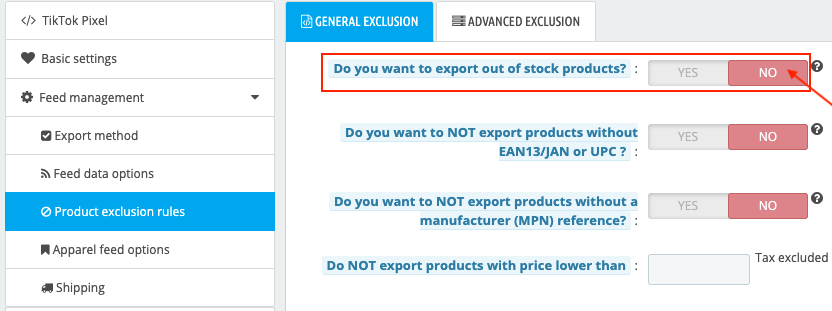
To exclude products without positive stock, open Feed management > Product exclusion rules > General exclusion, select No for Do you want to export out of stock products?, save and regenerate the feed. This applies to zero and negative quantities.
Then check the result in TikTok. An item missing from the new feed is not necessarily removed from the catalog; this also depends on the update method chosen when importing the feed.
If XML availability does not match the expected result, keep an example product and contact support with the module version. Accepted values appear in TikTok product parameters.
Visual references from the previous interface: labels and layout may vary. Follow the written steps above.