What is the advanced matching?
Google Ads enhanced conversions uses customer data provided during a conversion to improve matching with ad interactions. It can improve measurement and bidding; it does not guarantee recovery of every conversion.
Google uses one-way SHA256 hashing. Hashing and encryption are different operations. Data appearing in the browser does not prove Google processes it correctly.
Configure and validate
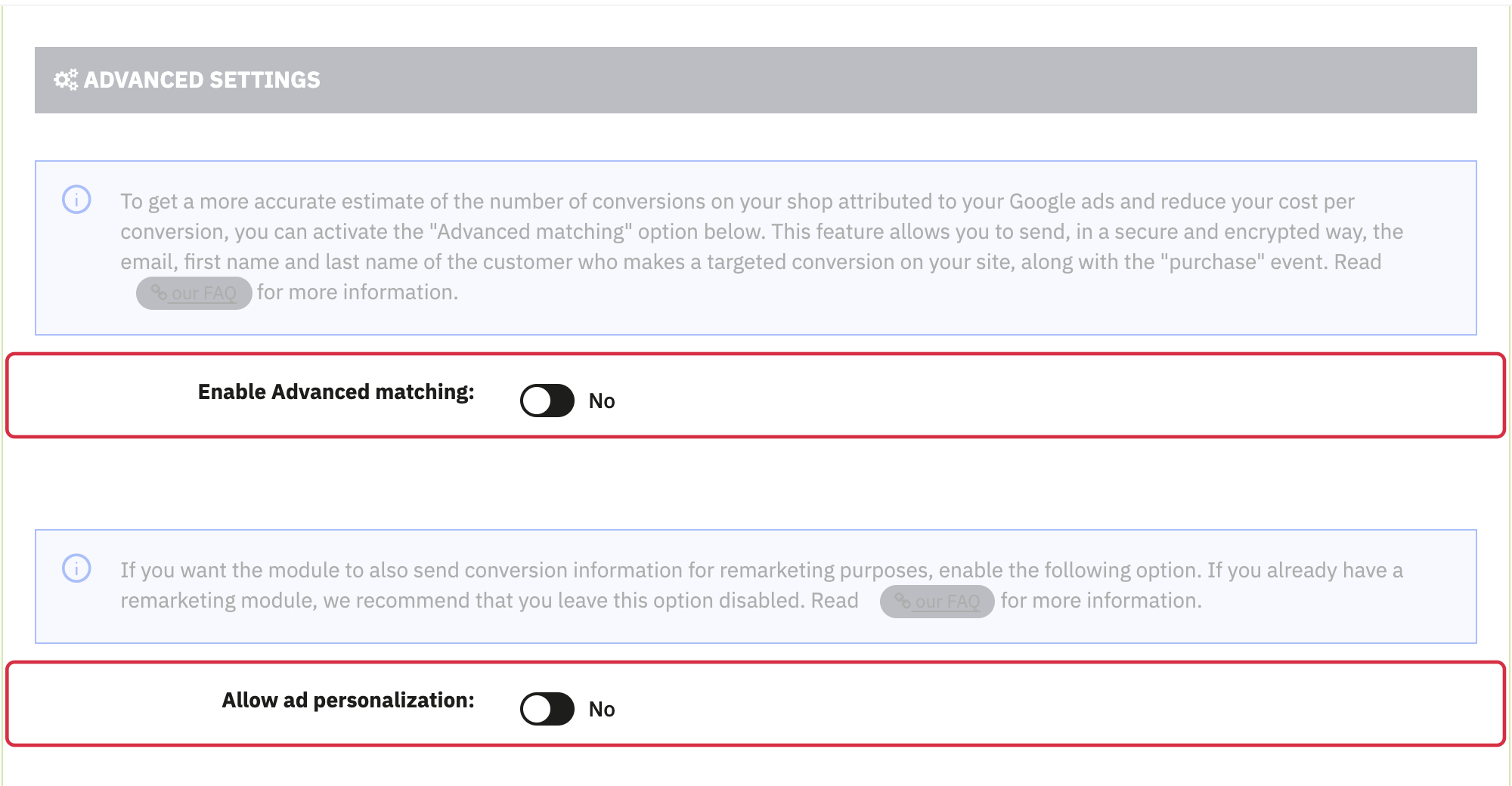
Advanced matching and ad personalization are separate options.
- In the module, open Conversion tracking > Advanced settings, locate Enable Advanced matching. Once compatibility of your version is verified, set this option to Yes and save.
- Also check enhanced conversions activation in Google Ads and the customer data terms. Google changed these settings in 2026; follow the current instructions.
- Check consent, complete a test order and review enhanced conversions diagnostics in Google Ads.
Enabling the option and seeing customer fields in Tag Assistant does not certify that Google accepts them as enhanced conversions data. If diagnostics indicate a problem, have the transmitted format and module version checked before drawing a conclusion.
For the mechanism and prerequisites, see Google’s enhanced conversions overview.