How do I configure the module ?
The module offers 14 reports in HTML and CSV.
1. Basic Settings
In the module manager, open configuration and select Basic Settings. Check headings/totals, decimal precision, decimal separator and HTML column width. Date formats are French DD/MM/YYYY, English MM/DD/YYYY and ISO YYYY-MM-DD. The selected format also applies to filter input; it does not depend only on the Back Office language.
To choose the purchase costs used in the calculations, see the guide to purchase costs for orders placed before installation.
Skip strict integrity check can allow access to the form despite missing order data. It does not repair that data. Keep integrity checking enabled for your checks and use the missing-order check first where needed. Save your chosen settings.
2. Open and prepare a report
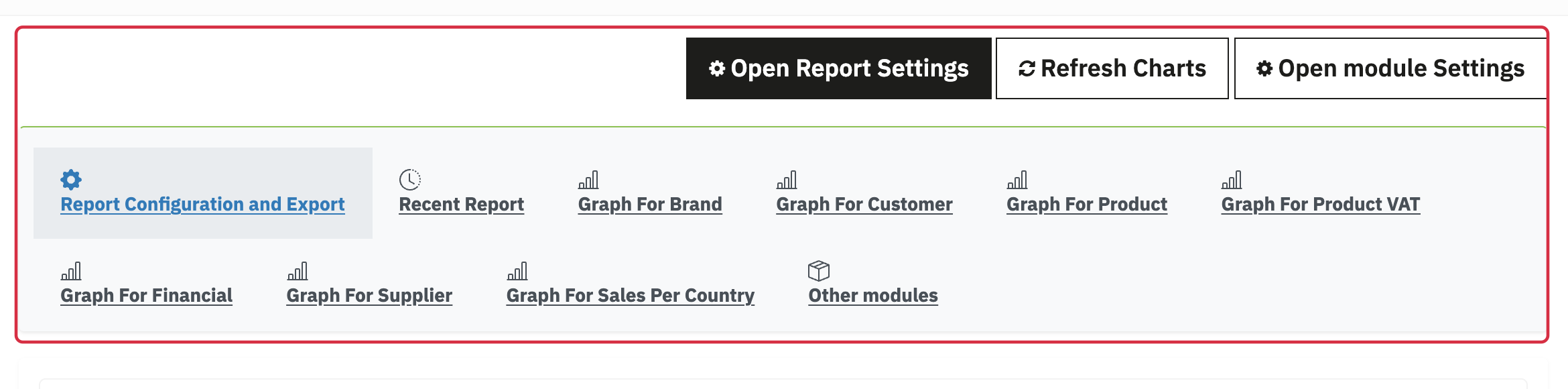
- Open Orders > Sales Reports. Open module Settings returns to general settings; Open Report Settings opens export preparation.
- Under Report Configuration and Export, choose the report type. See the 14 report types if needed.
- Choose html to view a table or csv to download a file.
3. Check the filters
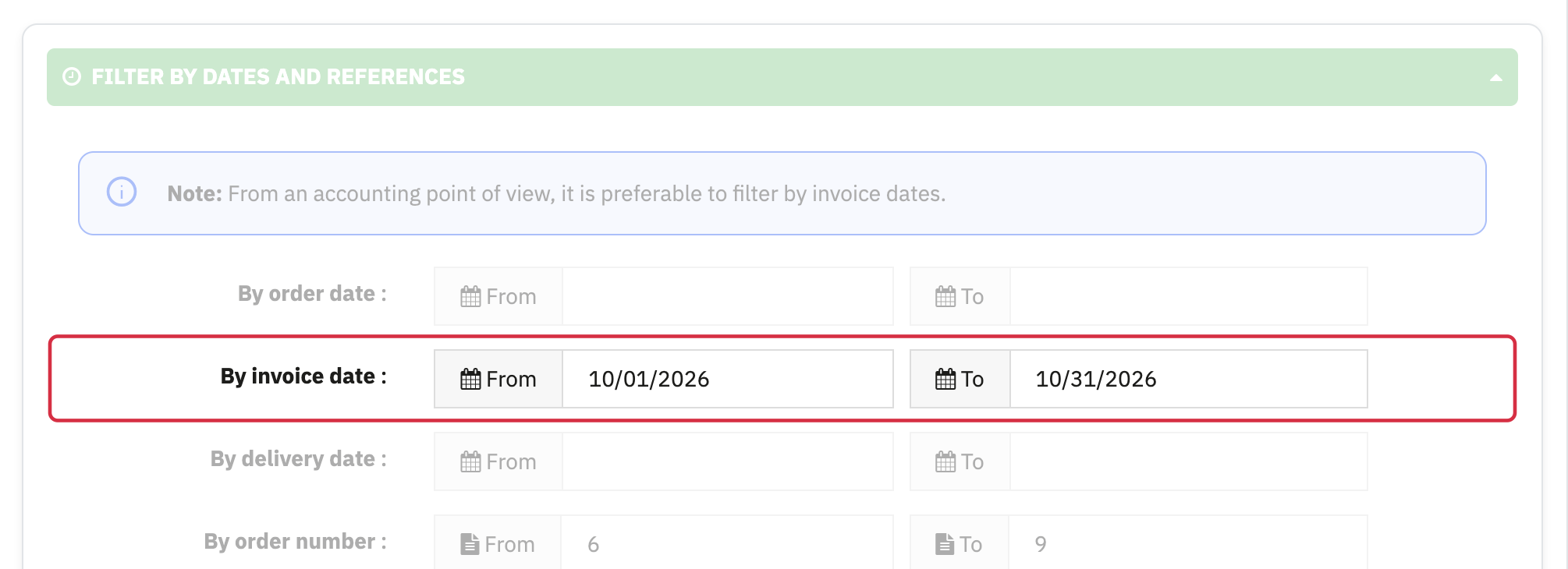
- Dates and references: order, invoice or delivery dates and order/invoice numbers. Use invoice dates for an extraction based on invoices. Credit reports provide credit note date and number filters.
- Statuses: check the selected boxes before each export and choose the order statuses to include. Their labels may vary between stores.
- Countries: the filter uses the billing country. For a country total, export one country at a time.
- Products and customers: available sections change by report. Categories are current default product categories. Combination detail is offered for the relevant reports.
- Sorting: choose an appropriate field and direction; cumulative percentages depend on row order.
4. Export and read the result
Click Export, then check scope and totals. If orders are missing after the module was disabled, use Check missing orders. Credit notes have separate reports and do not automatically reduce sales totals.
When importing the CSV into your spreadsheet, select the encoding and delimiter that match the file. Import references, EAN/UPC and other identifiers as text to preserve leading zeros and avoid scientific notation.
Recent-report and chart tabs appear according to generated reports. Charts use the latest data saved for that report: generate the relevant report before refreshing them. A report cache can retain a result for about one hour; refreshing charts alone does not guarantee that data is recalculated.