How to fix a shipping fees or carrier problem?
First check where shipping costs are managed: in Merchant Center or in the feed when module-managed shipping is enabled. Advertised costs must match those available to a buyer for the product and destination.
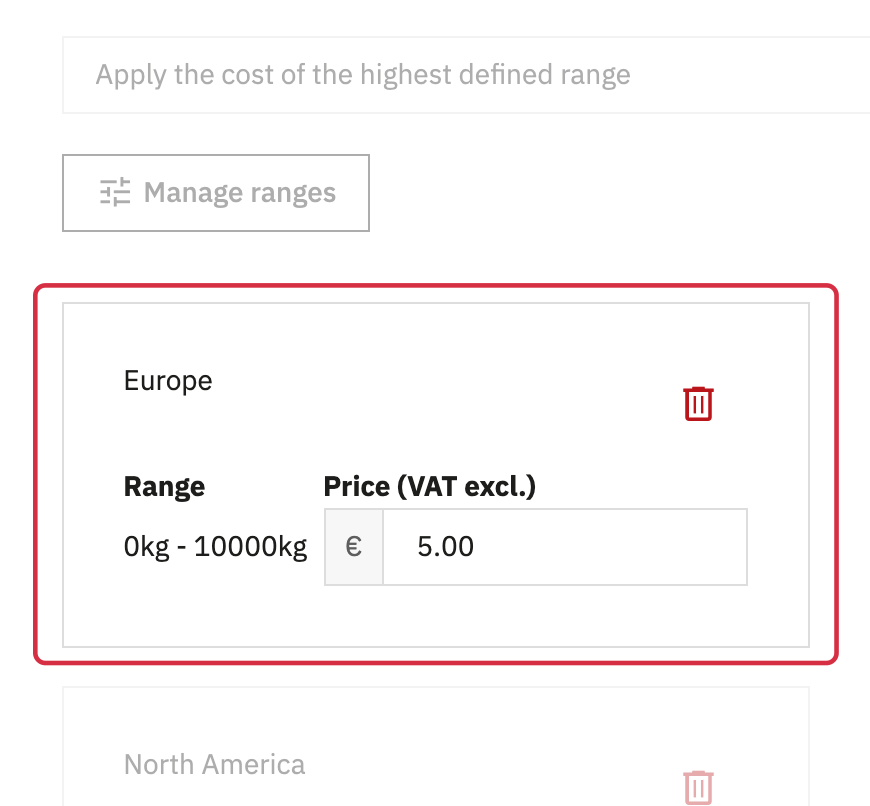
- In PrestaShop, check the active carrier, zones, weight or price ranges, and group, shop and product restrictions.
- Under Taxes and shipping fees, check the carrier selected for the feed country's zone and any free-shipping rules.
- Check product-specific carriers as well as the general carrier.
- Generate the XML and compare
shippingwith a cart containing that product, using the same destination and currency.
The integration uses the PrestaShop shipping data supported by the module. A third-party shipping module may calculate rates differently: do not assume its logic will be reproduced in the feed. When appropriate, configure a suitable Merchant Center rule and compare it with actual checkout costs.
For detailed requirements: Official Google documentation.
Other FAQs in this category
- How do I invite a new user to my Google Merchant Center account?
- How to fix a server redirection error on my CRON task ?
- What to do if I get microdata warnings from Google?
- What is the procedure to correct price consistency issues between Google and my site?
- Why was my selection of categories not properly saved ?
- How can I verify the existence of and remove the automatic data source created by Google?