How to create a Facebook and Instagram Shop?
Prepare a Facebook or Instagram Shop in Meta Commerce Manager. Before starting, check the eligibility requirements and supported countries. Some features are not available to every seller or account.
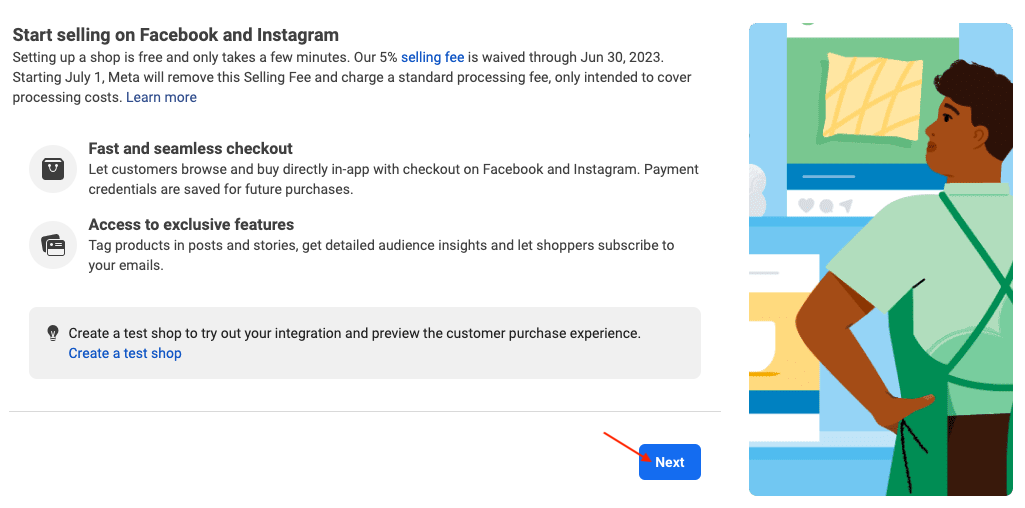
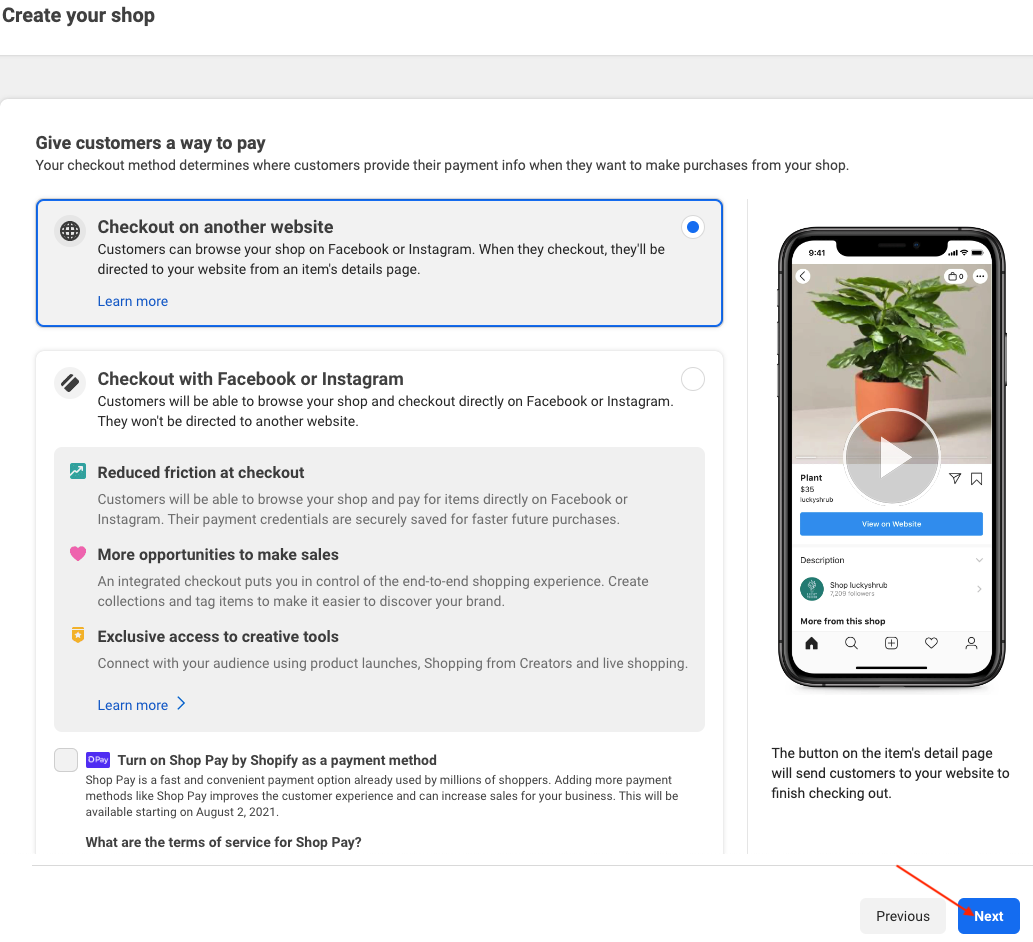
Checkout: Meta’s documentation states that Facebook and Instagram Shops moved to website checkout as of September 2025. Do not treat old screens offering onsite checkout or 2023 fee announcements as current terms. Read the changes to Shops and checkout for your existing shop. This change does not automatically describe every other Meta commerce product or program.
Prepare the assets
If you use a business portfolio to manage an existing Page and catalog, Meta requires full control of the portfolio, Page and catalog. For Instagram, prepare a business account in the portfolio. An Instagram-only shop does not always require a Facebook Page.
Follow the Commerce Manager tasks
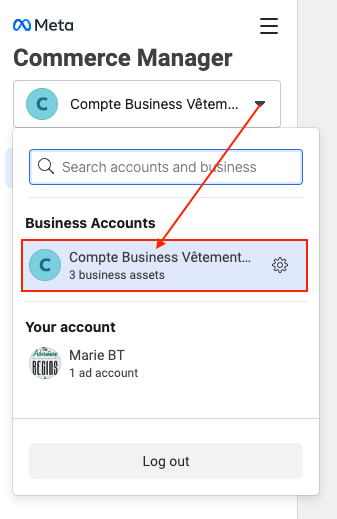
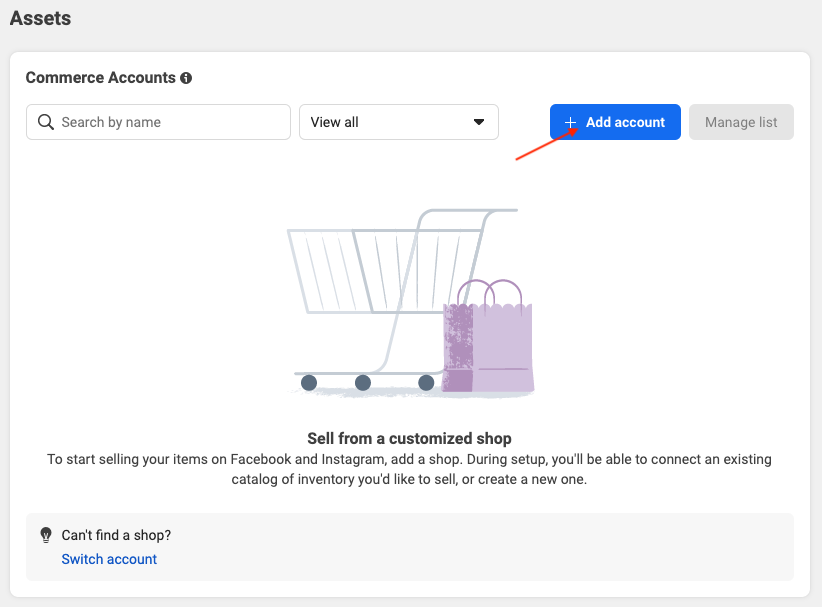
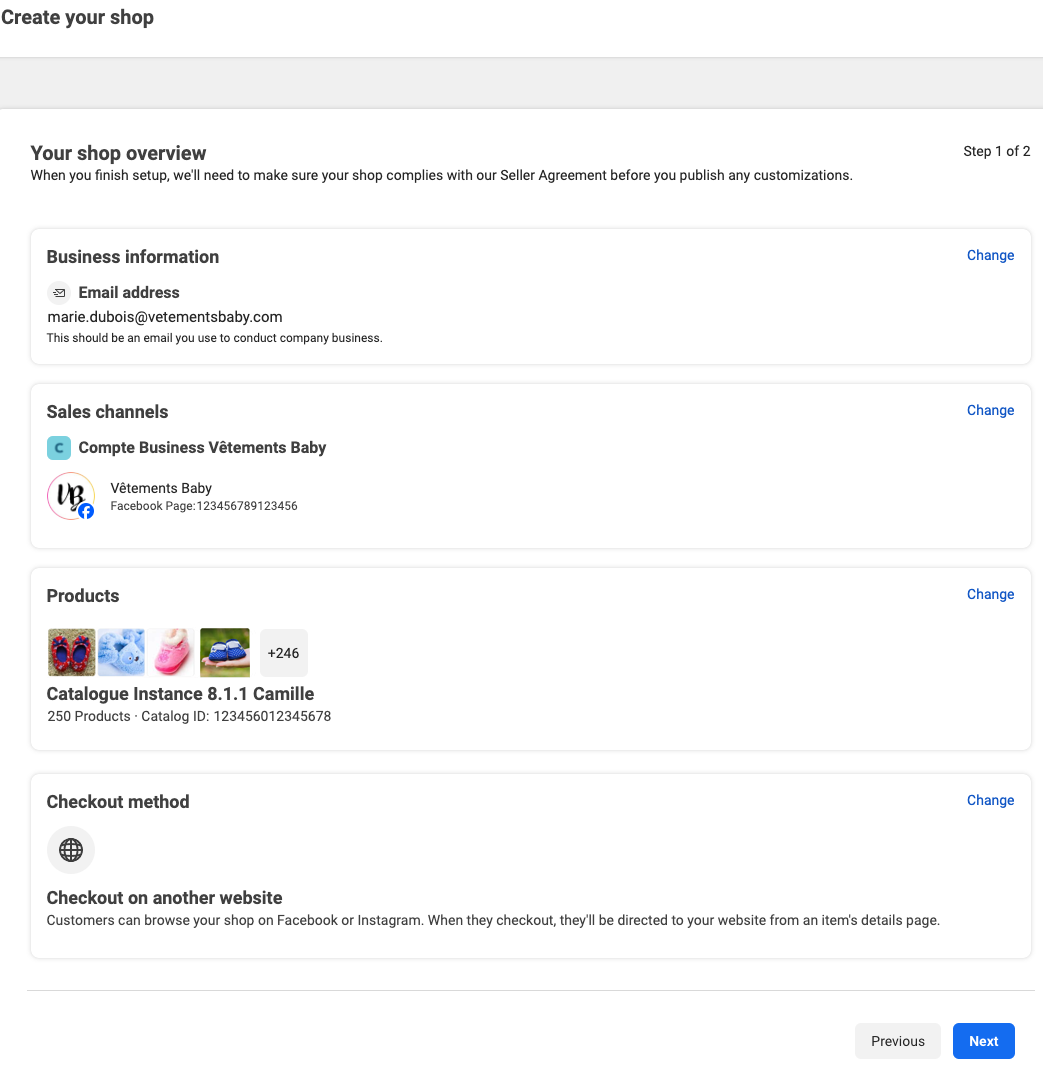
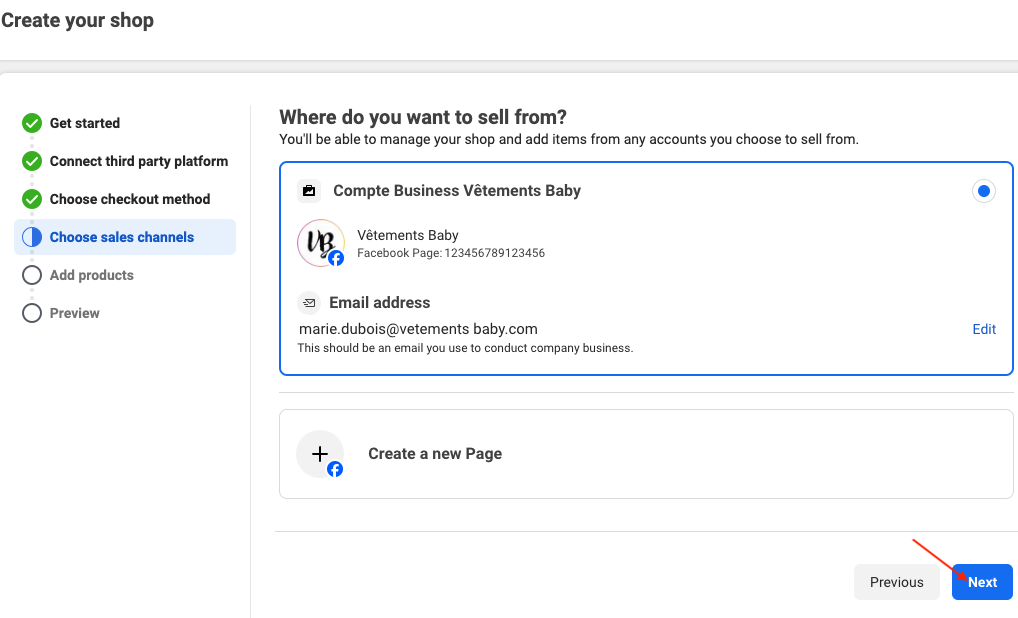
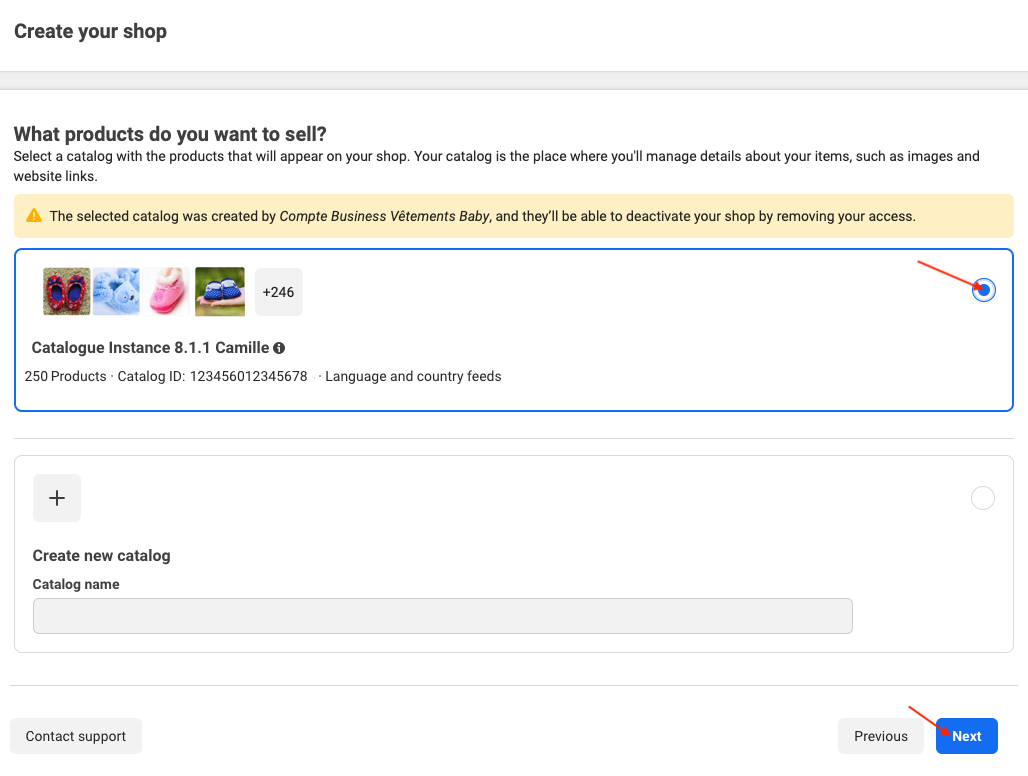
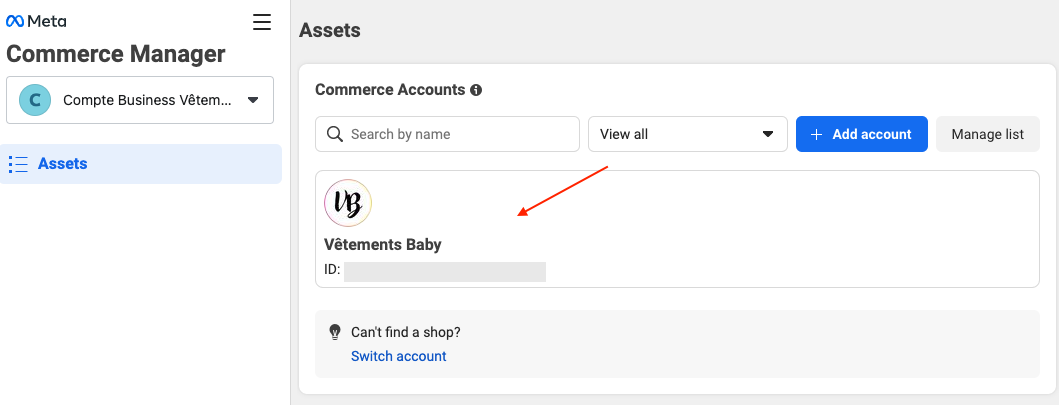
- Open Commerce Manager and follow commerce account creation. Select the available Facebook and/or Instagram sales channels and the catalog to use. Only one catalog can be linked to the commerce account.
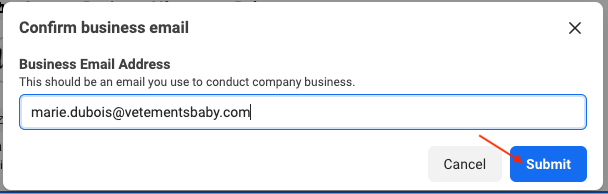
- Check your business information and requested return policies. Use your catalog and the module’s feed; importing products alone does not validate your shop.
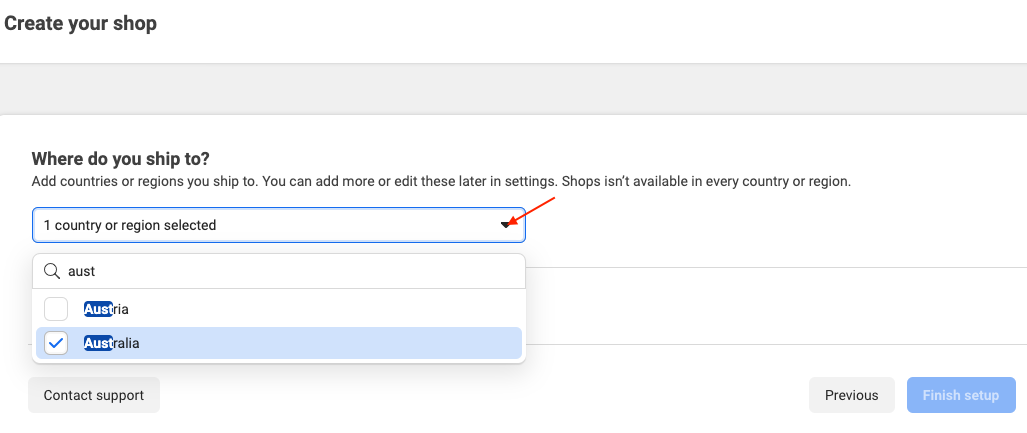
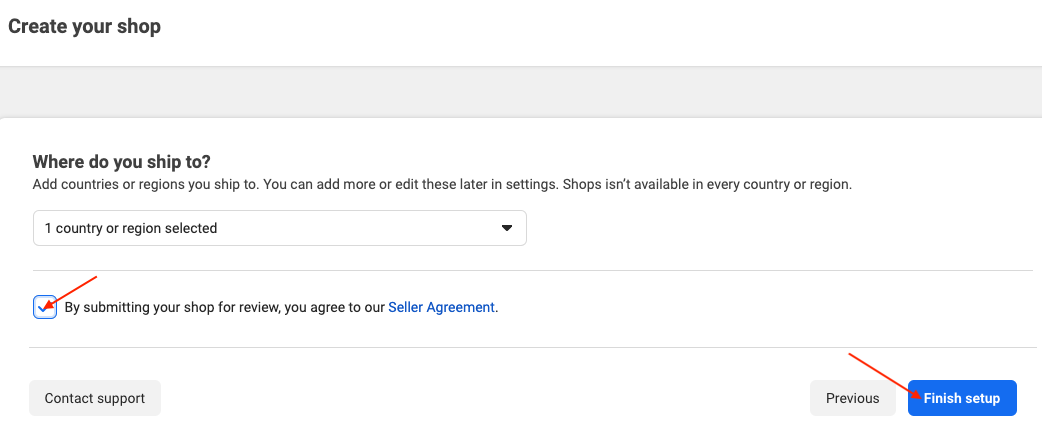
- During shop setup, complete the tasks shown: shop information under review, catalog, shipping profile and a checkout URL on your website. Check that any requested checkout URL works with your PrestaShop store before using it; a product feed does not establish support for this URL.
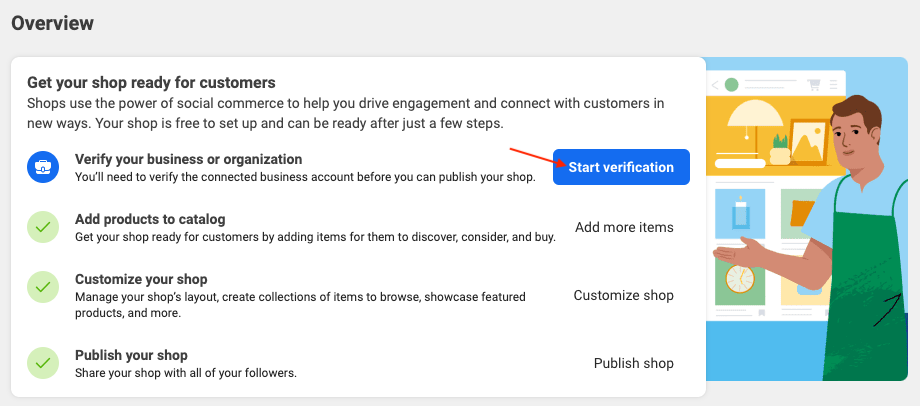
- Check status and requested actions in Commerce Manager. Publishing is a separate action to perform only when you are ready and Meta’s conditions are met.
The flow may vary with the account, country and migration of an existing shop. The module guarantees no approval, availability, fee waiver or review time. See shop customization to arrange your products.
Illustrations
The illustrations provide examples. Menus, permissions and available choices can vary by account; follow the procedure and official links above.
Other FAQs in this category
- How to import my products into a Facebook catalog?
- How to create a Facebook product catalog?
- Facebook Starter Guide
- How to create a Business Manager account?
- How to create a Facebook Page?
- How to import my products into the "Shop" section of my Facebook Page?
- What are the consequences of the release of iOS14 on the module's Facebook Pixel?
- How to customize my Facebook Shop?