How to indicate the dimensions of my packages?
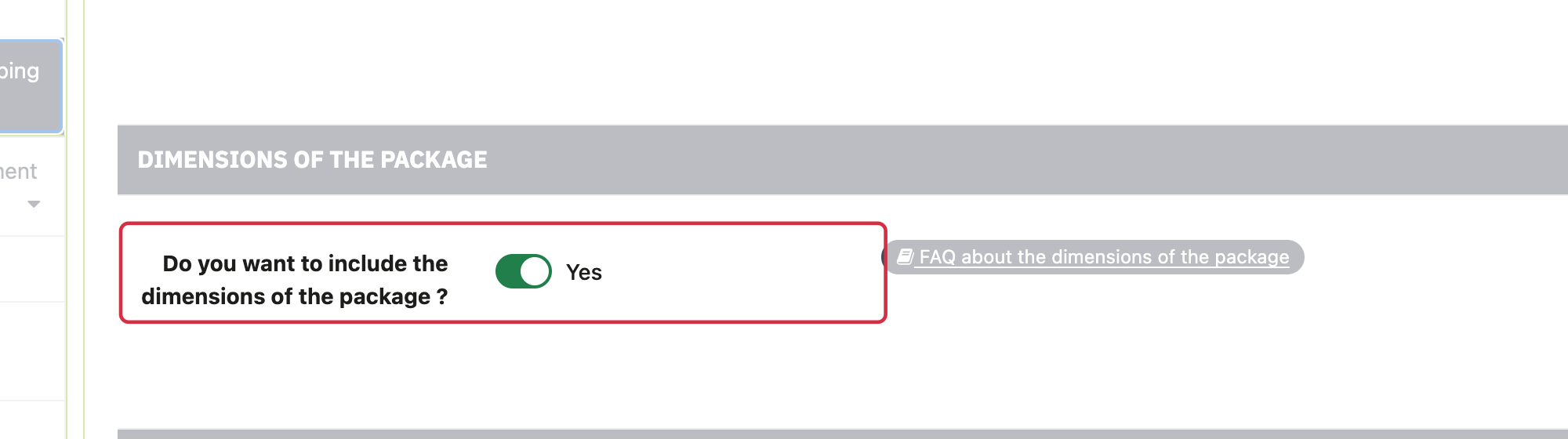
Package dimensions are used in particular for shipping calculations based on package size. In the standard edition, they are separate from the product dimensions option in Basic settings.
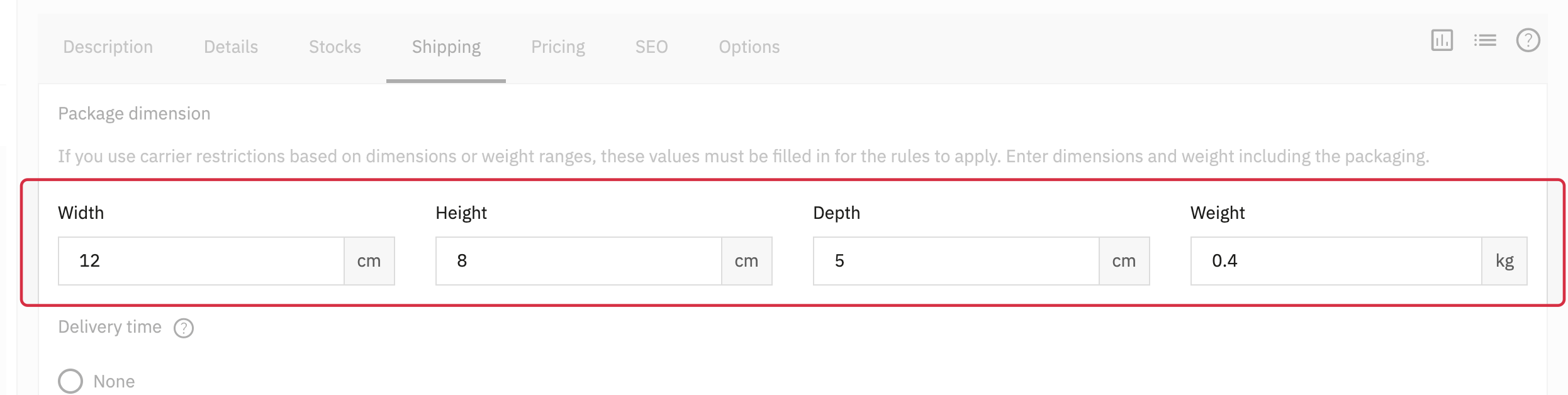
- In PrestaShop product shipping data, populate positive width, height and depth values.
- Check the shop dimension unit:
cmorin(inches). - Under Feed management → Taxes and shipping fees, enable package-dimension export and save.
- Inspect XML
shipping_width,shipping_heightandshipping_length. Depth corresponds toshipping_length.
All three dimensions must be available in the recognized format. shipping_weight export is independent of this switch; see weight units.
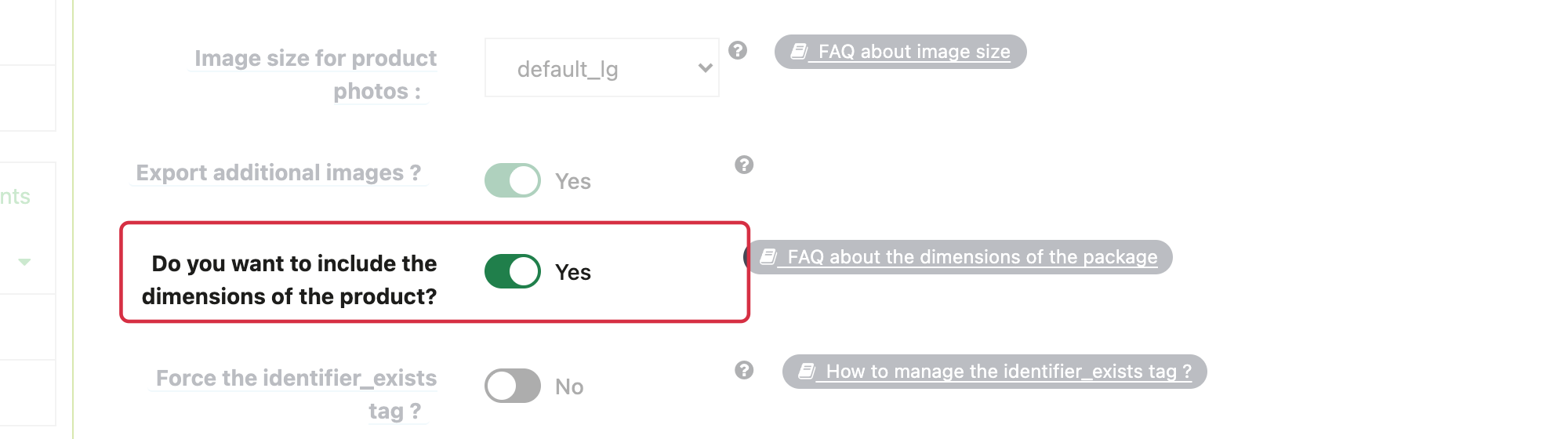
The product-dimension option exports product_width, product_height and product_length. Do not use it as a substitute for package-dimension export. Check that catalogue values describe what you intend to submit.
For detailed requirements: Official Google documentation.
Other FAQs in this category
- Do I need to indicate the size system used for my products?
- Do I have to indicate the gender for which my products are made?
- How to send quality images to Google Shopping?
- How to indicate a package weight unit that complies with Google's requirements?
- Do I need to indicate the size type of my products?
- Is it necessary to indicate an age group for using my products?
- Do I have to provide information about my product patterns?
- Do I have to provide information about my product material?
- Do I have to provide product colors in the feed?
- Do I have to include product sizes in the feed?
- What are the Google's requirements for product description?
- What are the guidelines for quality product titles?