What to do if I get microdata warnings from Google?
Start with the exact Merchant Center message. A warning, a disapproval and a price or availability mismatch have different consequences; do not routinely ignore them.
Google can use structured data on your pages to check and update price, availability and condition. Supported markup can use JSON-LD or microdata. Compare it with the visible price, selected variant and module XML.
- Test the affected URL with Google's Rich Results Test.
- Have the theme or integration generating incorrect data fixed; see markup diagnostics.
- Under Products → Automations, check enabled automatic updates.
- Generate and inspect the feed again, then monitor its status after processing.
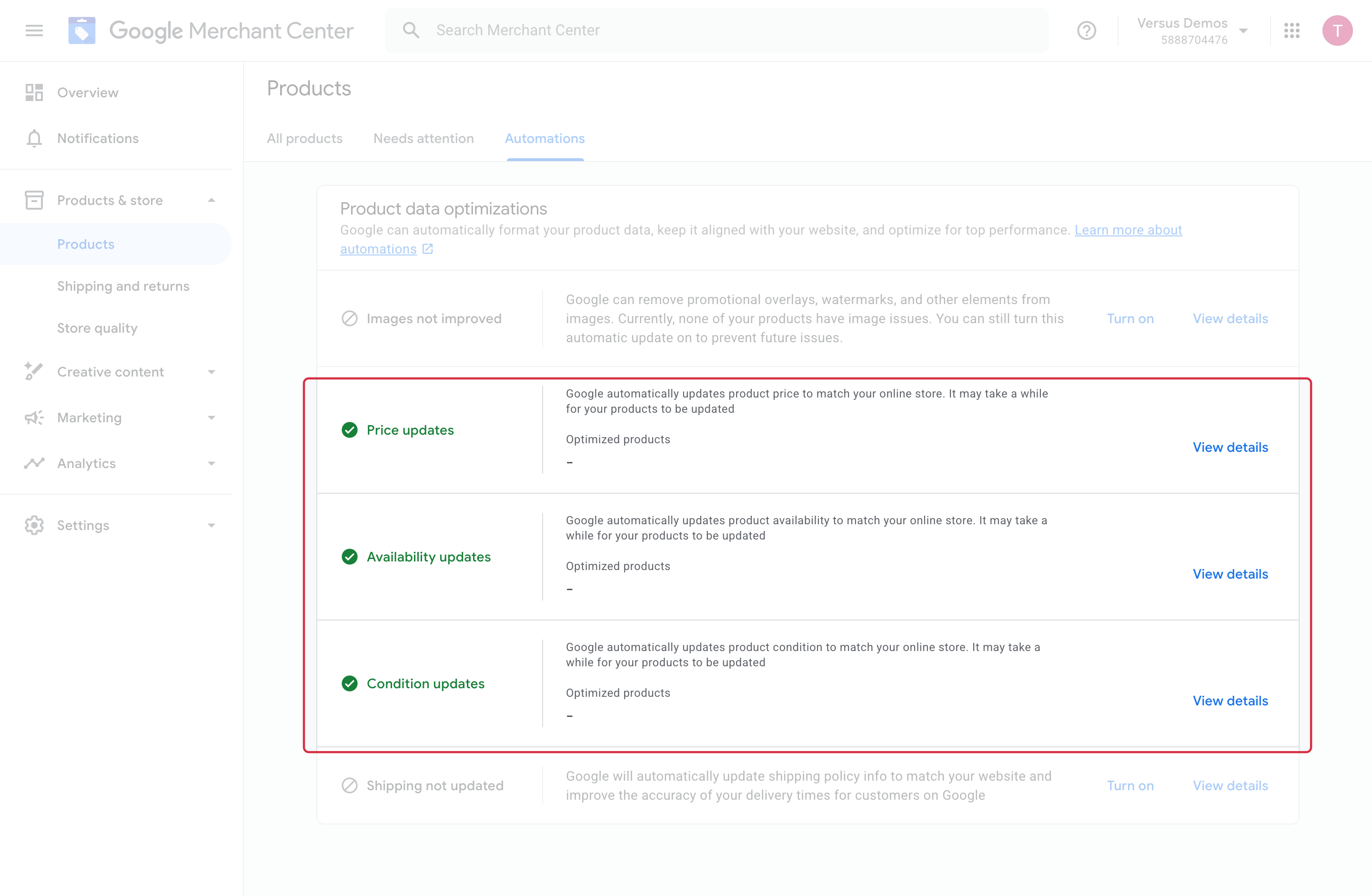
Temporarily disabling an automation can be a troubleshooting step, but does not correct data or guarantee acceptance. Daily fetching cannot guarantee consistency when prices or stock change between fetches.
For detailed requirements: Official Google documentation (1), Official Google documentation (2), Official Google documentation (3).
Other FAQs in this category
- How do I invite a new user to my Google Merchant Center account?
- How to fix a server redirection error on my CRON task ?
- How to fix a shipping fees or carrier problem?
- What is the procedure to correct price consistency issues between Google and my site?
- Why was my selection of categories not properly saved ?
- How can I verify the existence of and remove the automatic data source created by Google?