How to configure the XML Sitemaps tool?
The module generates XML sitemaps for selected content and a sitemap.xml index at the site root. These files tell search engines which URLs are available. Crawling remains each engine’s decision.
The XML may include lastmod, changefreq and priority. Google ignores changefreq and priority; it may use lastmod when the modification date is accurate and verifiable.
The module adjusts some values using catalog information, such as product age and stock. These hints do not instruct engines how often to crawl.
These files and structured data complement your shop content. They do not guarantee crawling, indexing, display or citation in an AI answer.
To notify participating engines about added, changed or deleted URLs, you can complement sitemaps with IndexNow.
1. Configuration
Start by enabling sitemap generation in the XML Sitemaps > Configuration tab of the module:
Then select the type of content for which you want to create a sitemap. An index file "sitemap.xml" will also be automatically created to reference all the sitemaps:
Set the average product update frequency. This value is used for changefreq in the module; it does not schedule file generation or engine visits.
Note: Google ignores this hint. To keep the URL list current, regenerate the sitemaps manually or through CRON.
2. Generating sitemaps
To ensure the list of URLs remains accurate (pages added/removed/modified), it is crucial to regenerate your sitemaps regularly.
You can do this manually via the XML Sitemaps > Sitemaps Generation tab of the module by clicking on "Generate sitemaps manually". To view the sitemap index directly in your browser, click on "View". You can then copy the URLs of the different sitemaps to view them one by one in your browser.
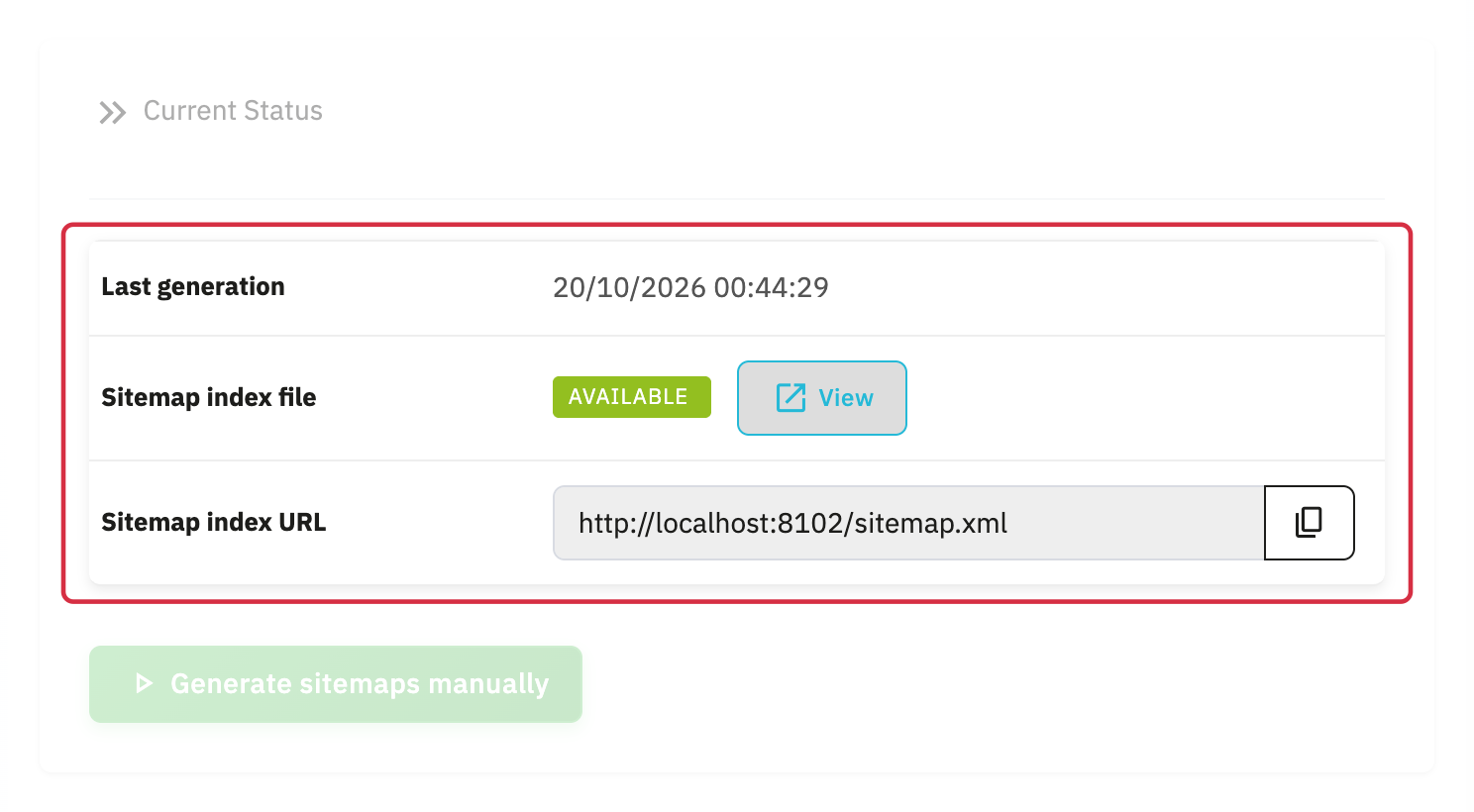
You can also set up a CRON job on your server to schedule the automatic regular regeneration of the sitemaps. You will find the CRON job URL to use in the Sitemaps XML > CRON Job tab:
Warning: Don't forget to register your sitemap index link (available in the Sitemaps XML > Sitemaps Generation tab of the module) with various search engine webmaster tools (see links below):
Official Google sitemap guidance
Other FAQs in this category
- How to configure the AI bot traffic analysis?
- How to configure the GEO advanced optimization (fresh content, aiCitationPhrase, UsageContextTags)?
- How to configure the Alt Text tool?
- How to configure the FAQ tool?
- How to configure the IndexNow tool?
- How to configure the LLMS.txt tool?
- How to configure the GEO JSON-LD tool?
- How to configure the GEO Suite module?
- CLI method: how to avoid timeouts when generating fresh content