How to create a Business Manager account?
Meta now uses business portfolio for the business asset management space also known as Business Manager. It brings together assets such as Pages, Instagram accounts and ad accounts.
- Open Meta Business Suite at business.facebook.com using your Facebook profile or an authorized managed Meta account.
- In the dropdown below Home, choose Create a business portfolio.
- Enter your business’s public name. When using a Facebook profile, also provide your name and business email, create the portfolio and confirm the email address when the message arrives.
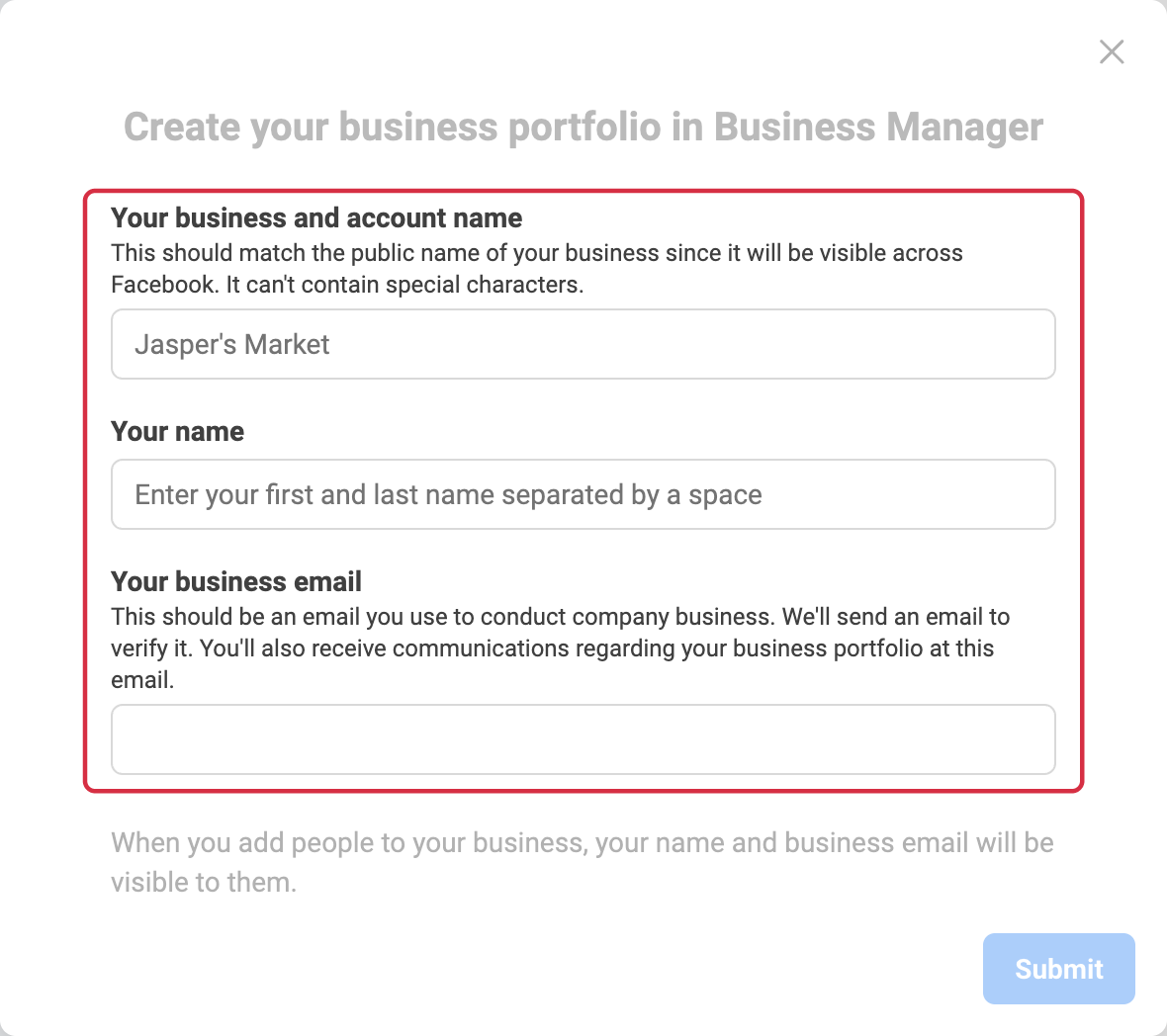
Read Meta’s procedure and prerequisites, especially the permissions required for a managed Meta account. A newly created portfolio may not have access to every advertising feature.
After creation, check the selected portfolio’s name and your access before adding a Facebook Page, an Instagram account or a catalog. A business asset can belong to only one portfolio; do not remove it from another organization merely to work around a permissions issue.
Other FAQs in this category
- How to import my products into a Facebook catalog?
- How to create a Facebook product catalog?
- Facebook Starter Guide
- How to create a Facebook and Instagram Shop?
- How to create a Facebook Page?
- How to import my products into the "Shop" section of my Facebook Page?
- What are the consequences of the release of iOS14 on the module's Facebook Pixel?
- How to customize my Facebook Shop?