How does the diagnostic tool work ?
The diagnostic accompanies feed generation and highlights data to check. It is not a complete Google validation. Open the report for the relevant language / country / currency feed and record affected item IDs.
- Item generation errors: some necessary data is missing or unusable. Correct the item and regenerate.
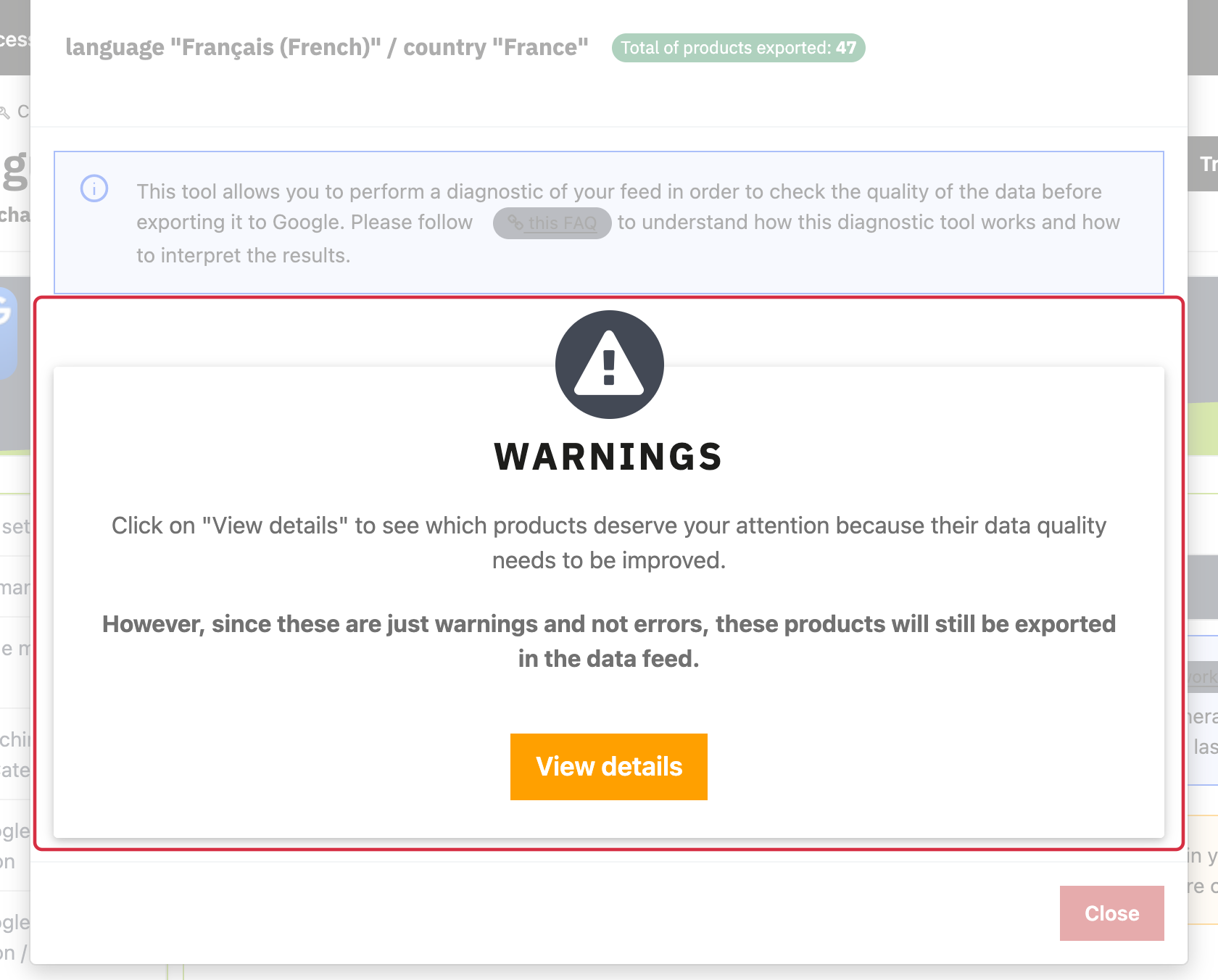
- Notices and warnings: the item may be exported while some data needs attention. For example, a long title can be truncated without systematically rejecting the item.
- Configured exclusions: a product can be omitted according to your rules, without an error in its data.
Open the issue details, inspect the PrestaShop values and then locate the item in the XML. Missing GTIN alone does not establish that a product must be rejected: requirements depend on the product. See identifiers and selection and exclusions.
After correction, regenerate the same feed and check the new report. If a result appears inconsistent, send support the issue, ID, feed and example XML. An issue can require investigation of both module behavior and data; do not assume a single cause in advance.
For detailed requirements: Official Google documentation (1), Official Google documentation (2).
Other FAQs in this category
- How to import my feeds in Google Shopping ?
- How to check which prices are sent to Google?
- Why are my product feeds generating errors ?
- Why were the XML files not created ?
- How to create a Language/Country/Currency feed different from those proposed by default by the module?
- How to check if my discounted (specific) prices are correctly exported?
- Why have some of my products not been exported in the feed ?
- How can I check that my data is updated?
- Why do I get an error on update xml file ?