How to create a Language/Country/Currency feed different from those proposed by default by the module?
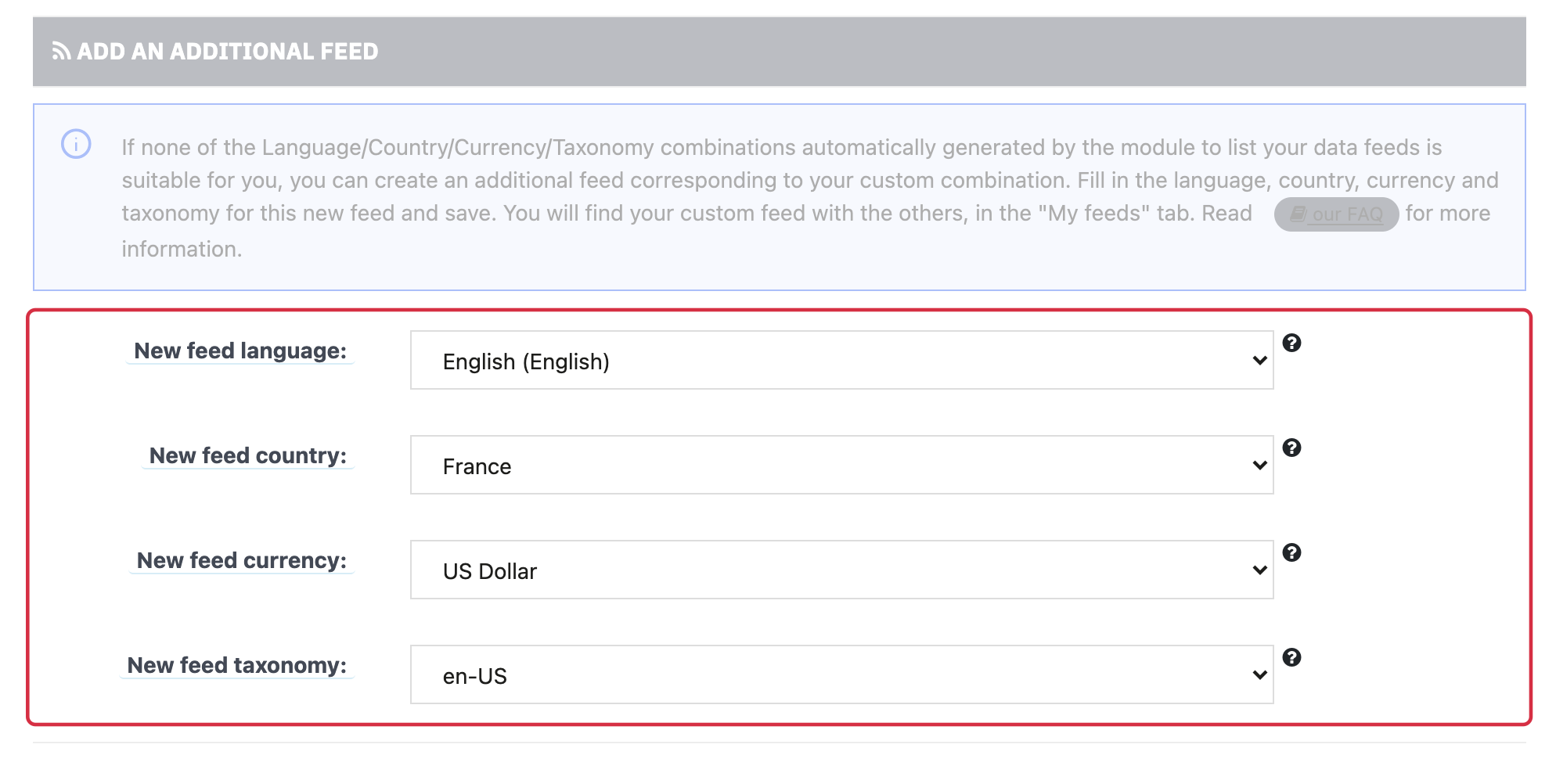
Additional feed creation lets you add a language / country / currency combination that is not provided by default.
- Check that language and country are active, currency is available, and pages and data are translated. Also check Google's eligibility for that combination.
- Open Additional feed creation in the module.
- Select language, country, currency and an available Google taxonomy suited to your intended mappings. Do not automatically choose taxonomy solely by Europe versus outside Europe.
- Save. If the combination already exists, use its existing feed rather than creating a duplicate.
- Under My feeds, check the new row, tax settings and XML. Compare a product URL, its language, currency and price.
Adding a module row does not automatically make products eligible in that country. Also configure shipping, policies and the Merchant Center source. See prerequisites and importing.
Other FAQs in this category
- How to import my feeds in Google Shopping ?
- How to check which prices are sent to Google?
- Why are my product feeds generating errors ?
- How does the diagnostic tool work ?
- Why were the XML files not created ?
- How to check if my discounted (specific) prices are correctly exported?
- Why have some of my products not been exported in the feed ?
- How can I check that my data is updated?
- Why do I get an error on update xml file ?